FrameAmp. Console gaming on your Mac: use your Mac as a gaming monitor, with frame generation that takes 30 FPS games to 60 FPS. Smoother gameplay, same console. 30 FPS in, 60 FPS out.
Twice the frames on screen.
Between every two frames from your console, FrameAmp creates a new one with Apple's frame interpolation technology on your Mac. A 30 FPS game is shown at 60 FPS, for noticeably smoother motion.
30 FPSyour console
60 FPSFrameAmp
Smoother, not faster
Generated frames raise the displayed frame rate. Your console still renders at its own frame rate.
A small, honest trade-off
Each new frame needs the next real one, so frame generation adds a little delay. Switch it off for the quickest response.
On or off at any time
One button, or ⌃⌥F. Frame generation works up to 1080p and is designed for 30 FPS games.
Built on Apple silicon
Frame generation uses Apple's low-latency frame interpolation. FrameAmp checks your Mac supports it automatically.
Your Mac is your gaming monitor.
No spare TV or monitor needed. Play your PS5, Xbox or any HDMI console on your Mac's display, through a USB capture card for the best picture, or by capturing a window such as PS Remote Play.
HDMI, straight in.
Connect your console to a USB capture card, and the card to your Mac. FrameAmp reads it directly, with game sound.
- 1080p capture at 60 or 120 FPS, on cards that support it
- Game sound plays through your Mac
- Windowed or fullscreen, with playback controls that stay out of the way
A USB-C to HDMI adapter won't work. Those send video out of your Mac. To bring console video in, you need a capture card.
No extra hardware.
Capture a window on your Mac, such as PS Remote Play. Pick it from a list with live previews, without bringing it to the front.
- Captures at the window's full Retina resolution, and follows it when you resize
- Frame generation works here too
- Needs macOS Screen Recording permission
Picture quality depends on the stream. A 720p stream can't gain detail that was never sent.
Tune the picture.
Six presets and nine controls, from brightness and gamma to highlights, shadows and sharpness. Applied to every frame on your Mac's GPU.
Each preset applied with the same steps FrameAmp uses. In the app they run on your Mac's GPU, on every frame.
- Brightness
- Contrast
- Saturation
- Temperature
- Tint
- Gamma
- Highlights
- Shadows
- Sharpness
Save your own presets too. Original leaves the picture untouched, and it's the default.
Three steps to play.
- 1
Connect
Plug your console into a USB capture card, and the card into your Mac with a USB 3 cable. Or open PS Remote Play.
- 2
Open FrameAmp
It finds your capture card automatically, or you choose the game window. Everything is included, free.
- 3
Play
Play on your Mac's display, windowed or fullscreen. Turn on frame generation for smoother motion in 30 FPS games.
What you'll need.
Requirements
- A Mac with Apple silicon
- macOS Tahoe 26.0 or later
- For HDMI: a USB capture card that works on a Mac without drivers (UVC), on a USB 3 port
- For Game Window: Screen Recording permission
Good to know
- Frame generation works up to 1080p, and is designed for 30 FPS games. FrameAmp checks your Mac supports it.
- On PS5, turn off HDCP (Settings › System › HDMI), or the capture card only sees a black screen.
- USB 2 cables and hubs limit most capture cards to 720p.
- Intel Macs aren't supported.
Tested so far on an M5 MacBook Pro with an ASUS TUF Gaming Capture Box FHD120. Other Macs and capture cards should work if they meet the requirements, but haven't been tested yet. FrameAmp is free, so you can try it with your own setup.
Free to play. Supported by you.
Every feature. No subscriptions, no license keys, no catch. FrameAmp is free, and optional contributions help keep it that way.

FrameAmp
Free
- Every feature, on every Mac you own
- No account, no license key, no time limit
- Contributions are entirely optional
macOS Tahoe 26.0 or later · A Mac with Apple silicon
Questions.
Can I play GTA 6 at 60 FPS on my Mac?
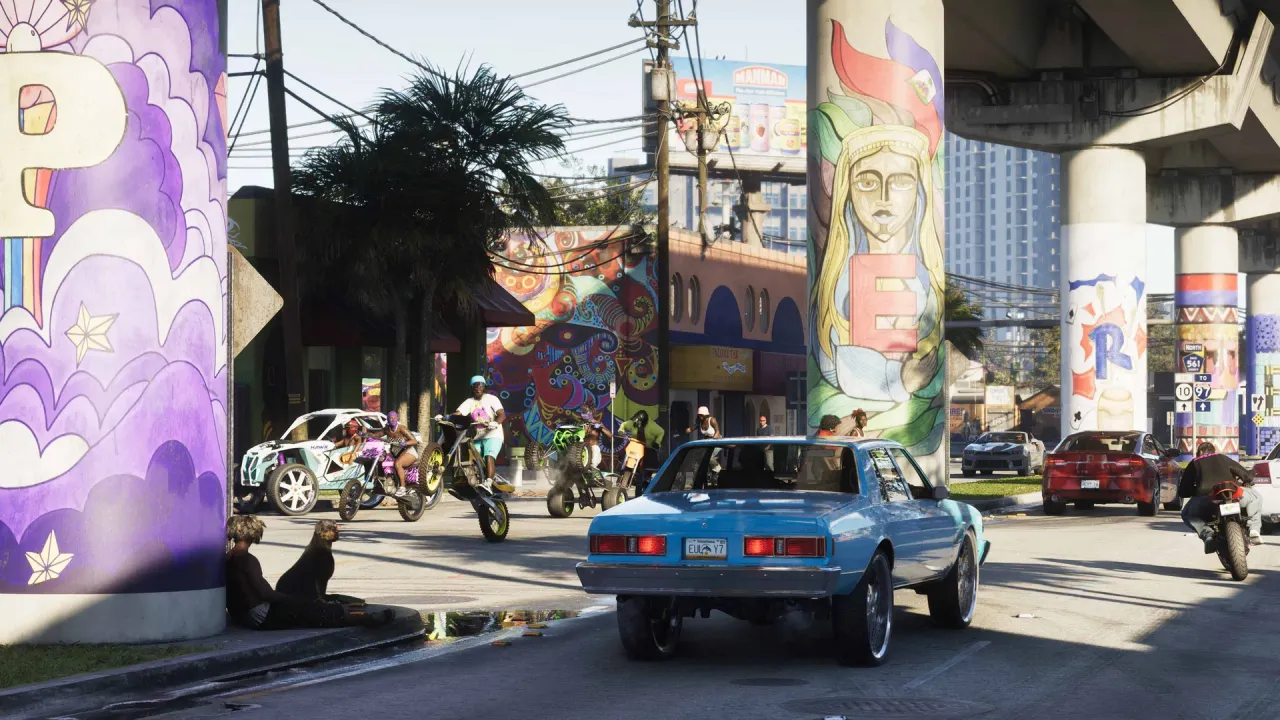
Yes, on your Mac's display. Connect your PS5 or Xbox Series X|S to a USB capture card, or use PS Remote Play on a PS5, and FrameAmp shows Grand Theft Auto VI on your Mac. When the game runs at 30 FPS, frame generation creates a new frame between each pair, so you see it at 60 FPS.
Your console still renders the game at its own frame rate, and frame generation adds a little delay. FrameAmp is free, so you can try it with GTA 6 straight away.
Can I use my Mac as a monitor for my PS5 or Xbox?
Yes. With a USB capture card, FrameAmp turns your Mac's display into a gaming monitor for your PS5, Xbox or any other HDMI console, with game sound, windowed or fullscreen. No spare TV or monitor needed.
Frame generation is optional. Leave it on for smoother 30 FPS games, or switch it off and FrameAmp shows the capture card's picture directly, for the quickest response.
What do I need to play my console on my Mac?
A USB capture card. Connect the console's HDMI to the card's HDMI input, and the card to your Mac with a USB 3 cable. FrameAmp works with cards that appear on a Mac as a standard video device (UVC), with no extra drivers.
A USB-C to HDMI adapter can't do this: it only sends video out of your Mac.
Does frame generation reduce latency?
No. It makes motion look smoother, but each generated frame needs the next real frame first, so it adds a little delay. If you want the quickest response, turn frame generation off. FrameAmp then shows the capture card's picture directly.
Does FrameAmp make my console run at 60 FPS?
No. Your console keeps rendering at its own frame rate. FrameAmp creates frames between the real ones on your Mac, so the picture you see is shown at 60 FPS.
What inputs are supported?
A USB (UVC) capture card, at 1080p and 60 or 120 FPS where the card supports it, with game sound. Or Game Window: any window on your Mac, such as PS Remote Play.
Frame generation works up to 1080p and is designed for 30 FPS games.
Is FrameAmp really free?
Yes. Every feature is included, with no trial, no time limit, no license key and no account. Download it and use it as long as you like.
How can I support FrameAmp?
If FrameAmp has made your setup better, you can buy the dev a coffee. It's entirely optional, it doesn't unlock anything, and FrameAmp works exactly the same either way.
Something else? hello@littlenginelabs.com